The Best AI Cover Letter Generators in 2026: Honest Reviews & Testing

Click Hired
on
I tested every major AI cover letter generator in 2026 from ChatGPT and Grammarly to Teal, Canva, Kickresume, and more. I generated 50+ cover letters, measured speed, and evaluated AI quality across different job types (tech, sales, marketing, creative roles).
The winner: Click Hired. It’s the only platform that automatically syncs your resume with your cover letter, tailors to the job description, and generates a submission-ready letter in under 60 seconds. Most competitors either force you to manually paste resume data, or generate generic templates.
Below, I review each tool individually so you can see why Click Hired stands out and which alternatives might work better for your situation.
Executive Summary: What I Found
Rank | Tool | Best For | Price | Speed | ATS Safe |
|---|---|---|---|---|---|
#1 | Click Hired | Resume-synced cover letters | 7-day free trial / $6.99/mo or $24.99/mo or $49.99/mo | 30-60 sec | ✅ Yes |
#2 | ChatGPT | Flexibility & free experimentation | Free | 2-3 min | Depends on formatting |
#3 | Grammarly | Grammar + tone refinement | Free / $12/mo | 3-5 min | ✅ Yes |
#4 | Teal | Job matching + application tracking | Free / $29/mo | 5-10 min | ✅ Yes |
#5 | Jobscan | ATS optimization insights | $60-120/yr | Analysis only | N/A (tool) |
#6 | Canva | Visual creativity & design | $13/mo or free | 5-10 min | ⚠️ Design-heavy |
#7 | Kickresume | Industry phrases & templates | Free / $15-50/mo | 5-10 min | ⚠️ Template-dependent |
#8 | ZipJob | Resume + cover letter packages | Free / $10-20/mo | 5-15 min | ✅ Yes |
#9 | Enhancv | Modern design + ATS confidence | Free / $6-10/mo | 5-10 min | ✅ Yes |
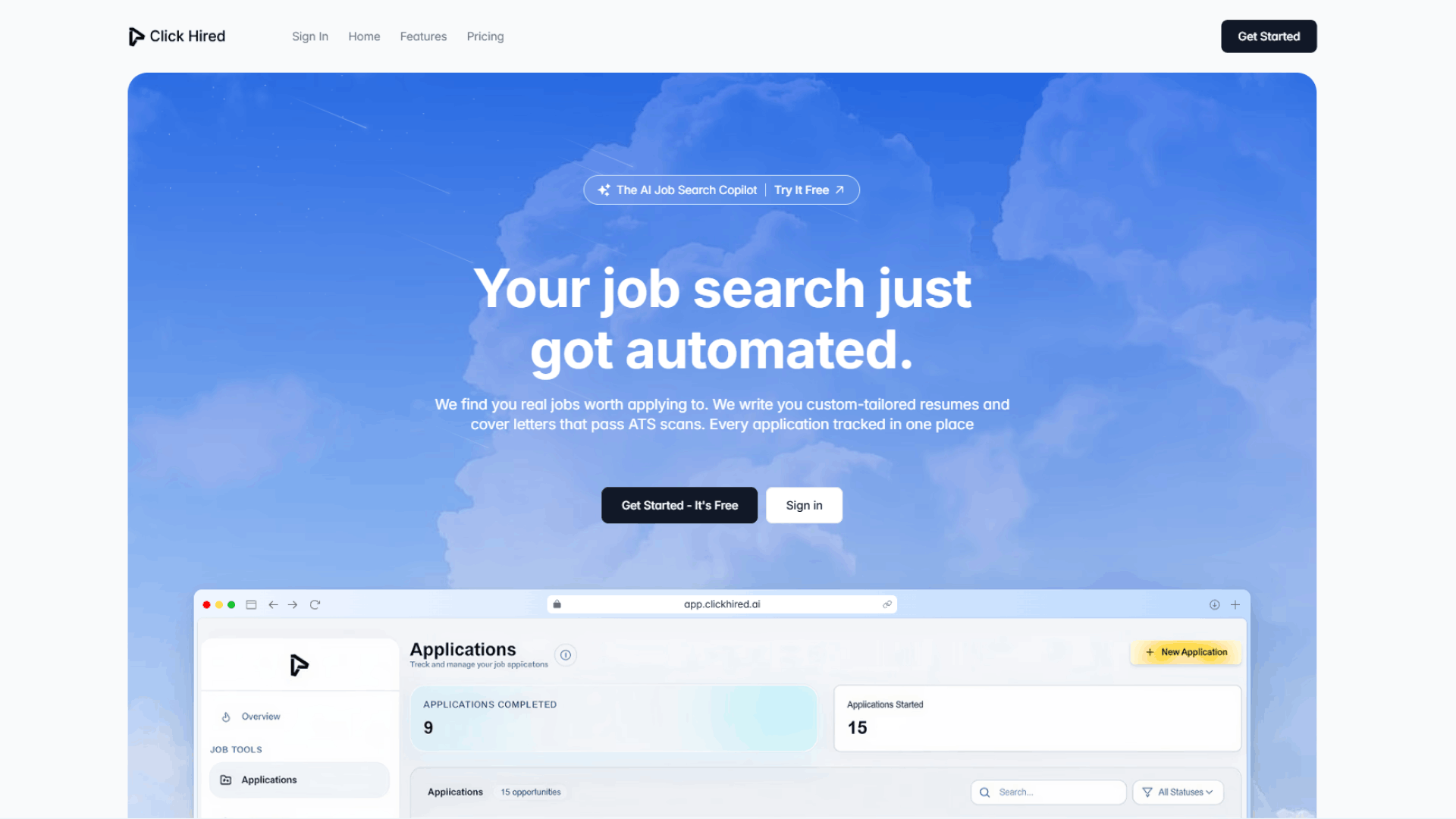
#1: Click Hired — Best Overall: Resume-Synced Cover Letters in 60 Seconds
What it is: An AI cover letter generator built on one principle: your resume and cover letter should work together, not separately. It automatically syncs your resume, parses the job description, and generates a tailored cover letter in under a minute.
What Works Exceptionally Well
Speed is under a minute. Not “fast,” but literally 30-60 seconds from job description paste to finished draft. This matters when you’re applying to multiple positions. Competitors average 3-10 minutes because they require more setup or manual input.
Resume synergy is the differentiator. Most cover letter tools ask you to upload your resume, then generate a letter separately. Click Hired pulls directly from your resume data your actual job titles, company names, achievements, skills. This solves two problems: (1) saves time so you’re not retyping information, and (2) ensures your cover letter reflects your real background and stays consistent with what your resume says. No more “strong communication skills” in the cover letter when your resume shows “led a 12-person team through a product launch.”
Smart job description matching. Click Hired reads the actual job posting, identifies keywords and role-specific requirements, then weaves them into your cover letter. You don’t see this happening you just get a letter that sounds like you spent 30 minutes researching the company. The AI did it for you in seconds.
ATS-optimized by default. Clean formatting, standard fonts, no weird graphics or images. You don’t have to think about ATS compatibility—it’s built in.
One platform for resume + cover letter. If you’re also using Click Hired for your resume (which you probably should be), everything is integrated. Your resume and cover letter are linked, versions are tracked, and application history is stored in one dashboard.
What Falls Short
Template design options are minimal. You get a clean, professional template (which is the point ATS safety), but no visual pizzazz or creative design options. This is intentional, but if you want a more visually distinctive cover letter, other tools offer that.
Limited if you’re on a different resume platform. If you’re using Kickresume for your resume and Click Hired for your cover letter, you have to manually sync the two. The synergy only works if both tools are Click Hired.
Bottom Line
Verdict: Best choice if you care about speed, job matching, and reasonable pricing. Click Hired generates cover letters faster than any competitor and integrates seamlessly with your resume. If you’re applying to 10+ jobs, the time savings compound. If you’re on a budget, the pricing is unbeatable.
Not for: People who want extensive design customization or who exclusively use a different resume platform.
#2: ChatGPT — Best for Flexibility & Free Experimentation
What it is: A general purpose AI that can write anything if you prompt it correctly. Not a dedicated cover letter tool, but incredibly flexible and free.
What Works Exceptionally Well
Completely free. Zero cost to use. You already have a ChatGPT account if you’re reading this in 2026.
Infinitely flexible. You can ask ChatGPT to write in any tone, emphasize any accomplishment, or take any angle. “Write this more conversational,” “Make it sound like a startup founder,” “Emphasize my leadership experience over technical skills” it does all of it.
No setup complexity. No account to create, no resume to upload. Paste your resume and the job description, give a specific prompt, and copy the output.
Great for brainstorming. Stuck on how to phrase something? ChatGPT generates alternative sentences. Can’t decide between two approaches? It generates both and you pick the better one.
Learning value. Using ChatGPT teaches you how to prompt AI a skill you’ll use for the rest of your career. You learn what makes a good prompt and what gets bad results.
What Falls Short
Quality depends entirely on your prompts. Vague prompts = vague cover letters. If you write “Write me a cover letter,” you get a generic template. If you write “Write a cover letter for a product manager role at a Series B fintech startup emphasizing my experience shipping payment features under tight deadlines,” you get something useful.
No formatting help. ChatGPT gives you text. You copy it into Word or Docs and format it yourself. This is fine but adds time compared to tools that auto-format.
Inconsistency across applications. You need to rewrite prompts for each job. “Here’s the job description for Job A, emphasize X.” Then for Job B: “Here’s a different job description, now emphasize Y.” This defeats the speed advantage if you’re applying to lots of jobs.
No structure guidance. If you don’t know what a cover letter should look like (opening hook, body paragraphs, closing), ChatGPT won’t automatically coach you. You need to prompt it specifically: “Format this as a professional cover letter with an opening paragraph, 2-3 body paragraphs, and a closing paragraph.”
No resume syncing. You’re copy-pasting resume data manually into every prompt, which is tedious if you’re generating multiple letters.
No ATS awareness. ChatGPT doesn’t know about ATS systems. If you ask it to “add keywords from the job description,” it might stuff them awkwardly or make them obvious. You have to manually clean this up.
Bottom Line
Verdict: Best choice if you want maximum flexibility and don’t mind spending more time on prompts and editing. ChatGPT is free and incredibly powerful in the hands of someone who knows how to prompt it. But it requires more work than purpose-built tools. If you have 30 minutes per cover letter and enjoy experimenting, it’s excellent. If you need something done in 2 minutes, use Click Hired.
Not for: High-volume applicants or people who want zero friction in the process.
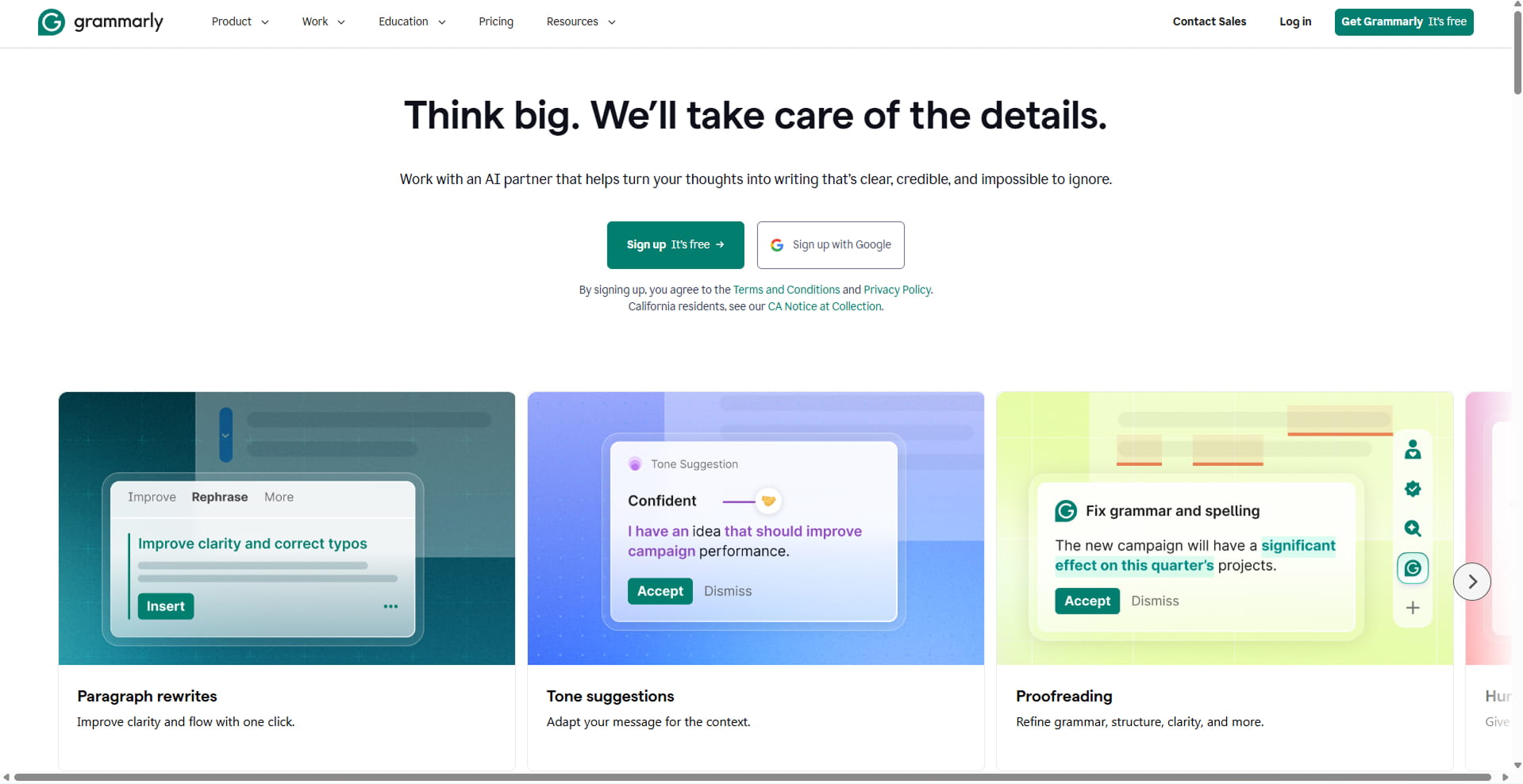
#3: Grammarly — Best for Grammar, Tone Adjustment & Polish
What it is: A grammar-checking tool that also generates cover letter drafts and offers tone refinement suggestions.
What Works Exceptionally Well
Grammar and spell-check are automatic. Grammarly catches errors in real-time without you having to do anything. Typos, awkward phrasing, repetition—it flags all of it.
Tone adjustment is genuinely useful. With Grammarly Pro ($12/month), you can adjust sentences to sound more confident, more formal, more approachable, etc. “This sentence sounds passive; here’s a more assertive version.” It’s like having an editor looking over your shoulder.
Fast generation. You paste your resume and job description, and Grammarly generates a draft in 2-3 minutes. Not as fast as Click Hired, but faster than most.
Works in Google Docs. Grammarly integrates directly into Google Docs, so you don’t have to download and reformat. Write and edit in Docs, Grammarly checks everything in real-time.
AI gets better the more you use it. Grammarly learns your writing style, so its suggestions become more personalized over time.
What Falls Short
Doesn’t generate from a saved profile. You upload resume + job description fresh each time. If you’re generating 5 cover letters, that’s 5 uploads and 5 copy paste operations. Click Hired saves your resume and generates with one paste of the job description.
Limited job matching. Grammarly combines your resume content with the job description, but it doesn’t deeply analyze role-specific keywords the way Click Hired does. It’s more generic.
No PDF download. You have to export from Google Docs as PDF, which is one extra step.
Free version is basic. The tone features and premium suggestions require Grammarly Pro at $12/month. If you’re already paying, it’s a nice add-on. If you’re not, the free version generates okay drafts but without tone refinement.
Slower overall. Even at 2-3 minutes per letter, it’s 3-5x slower than Click Hired’s 60 seconds.
Bottom Line
Verdict: Best choice if you already use Grammarly Pro and want decent AI writing plus expert polish. Grammarly’s tone adjustment is genuinely useful it’s like having an editor. But it’s slower and more expensive than purpose-built cover letter tools. If you’re already paying $12/month for Grammarly, the cover letter feature is a nice bonus. Otherwise, dedicated tools are stronger.
Not for: High-volume applicants or people trying to minimize costs.
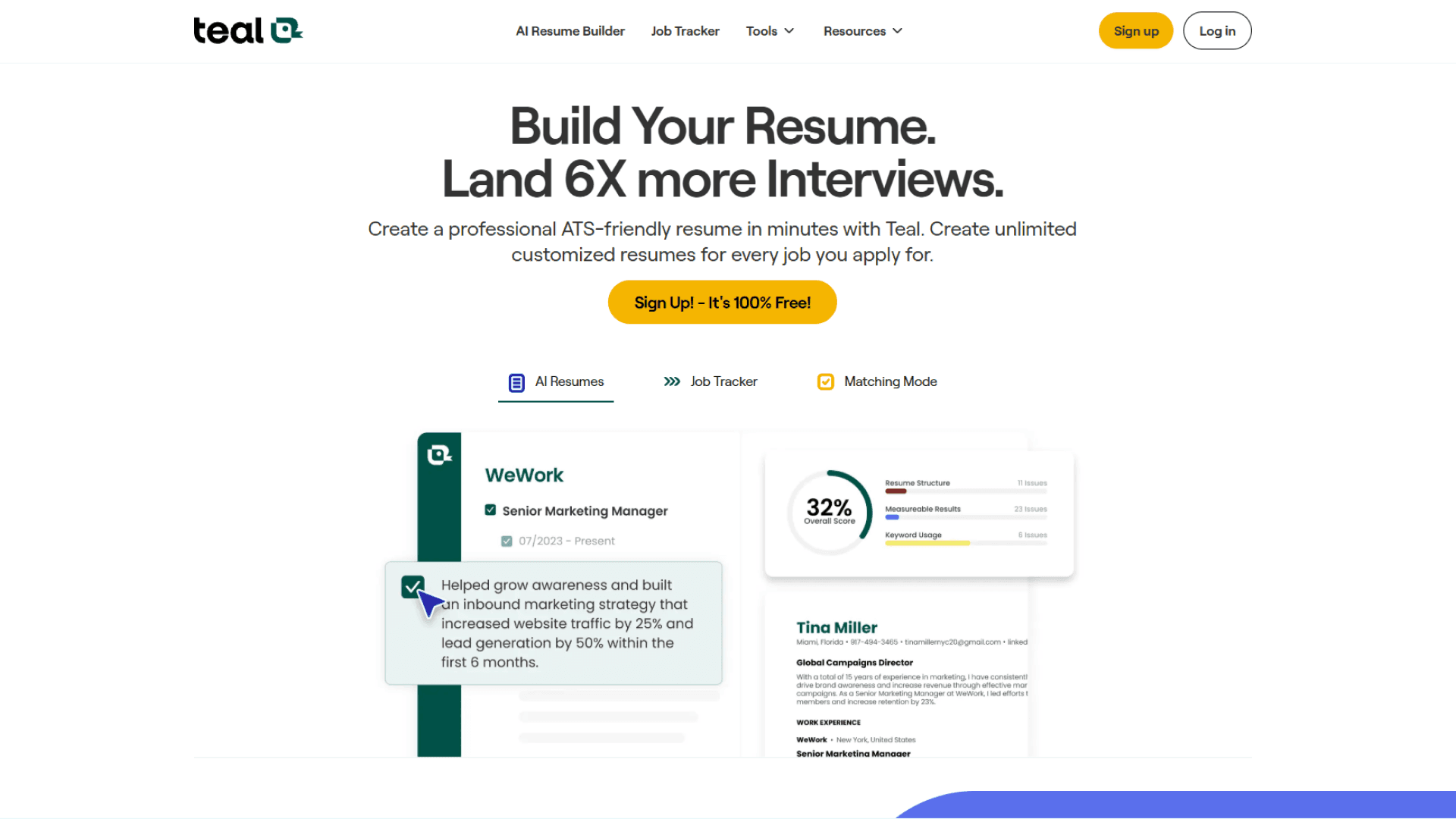
#4: Teal HQ — Best for Job Matching & Application Tracking
What it is: A full job search platform that includes resume building, cover letter generation, job tracking, and application management. Think “Asana for job search.”
What Works Exceptionally Well
Job application tracking is excellent. Teal’s Kanban board (Saved → Applied → Interview → Offer → Rejected) keeps you organized. You know exactly which companies you’ve applied to, when, and what stage you’re in. No spreadsheet needed.
Chrome extension for job bookmarking. You browse Indeed, LinkedIn, Glassdoor, and one-click save jobs to Teal. The extension is 4.9/5 stars from 3,100+ reviews.
Resume-cover letter alignment. Your resume and cover letter are linked in Teal, so they feel cohesive visually and tonally.
Smart customization. You can tell Teal which job requirements to emphasize, giving you more agency than a fully automated tool.
Free tier is strong. Unlimited resumes, job tracking, basic cover letter generation—no paywall on the essentials.
What Falls Short
Slower than dedicated tools. Setup takes time. Uploading/parsing your resume, selecting templates, and generating the cover letter is 5-10 minutes total. Click Hired is 60 seconds.
Overkill if you only need cover letters. Teal is a full platform. If you just want a cover letter generator, you’re paying for functionality you don’t need.
Design consistency can be limiting. If you change your resume design, it affects your cover letter. Not always bad, but less flexibility.
Longer process overall. More steps = more friction. Click generate, customize, compare templates, finalize it’s thorough but not fast.
AI isn’t as job-aware as Click Hired. Teal’s cover letter AI is decent, but it doesn’t match Click Hired’s level of job description analysis.
Bottom Line
Verdict: Best choice if you want an all-in-one job search platform with strong application tracking. Teal eliminates spreadsheets and keeps everything in one place. But it’s slower and more expensive than dedicated cover letter tools. Use Teal if job tracking and organization are your priorities. Use Click Hired if speed and pricing are.
Not for: People who only need cover letters or who prioritize speed.
#5: Jobscan — Best for ATS Keyword Analysis (Companion Tool)
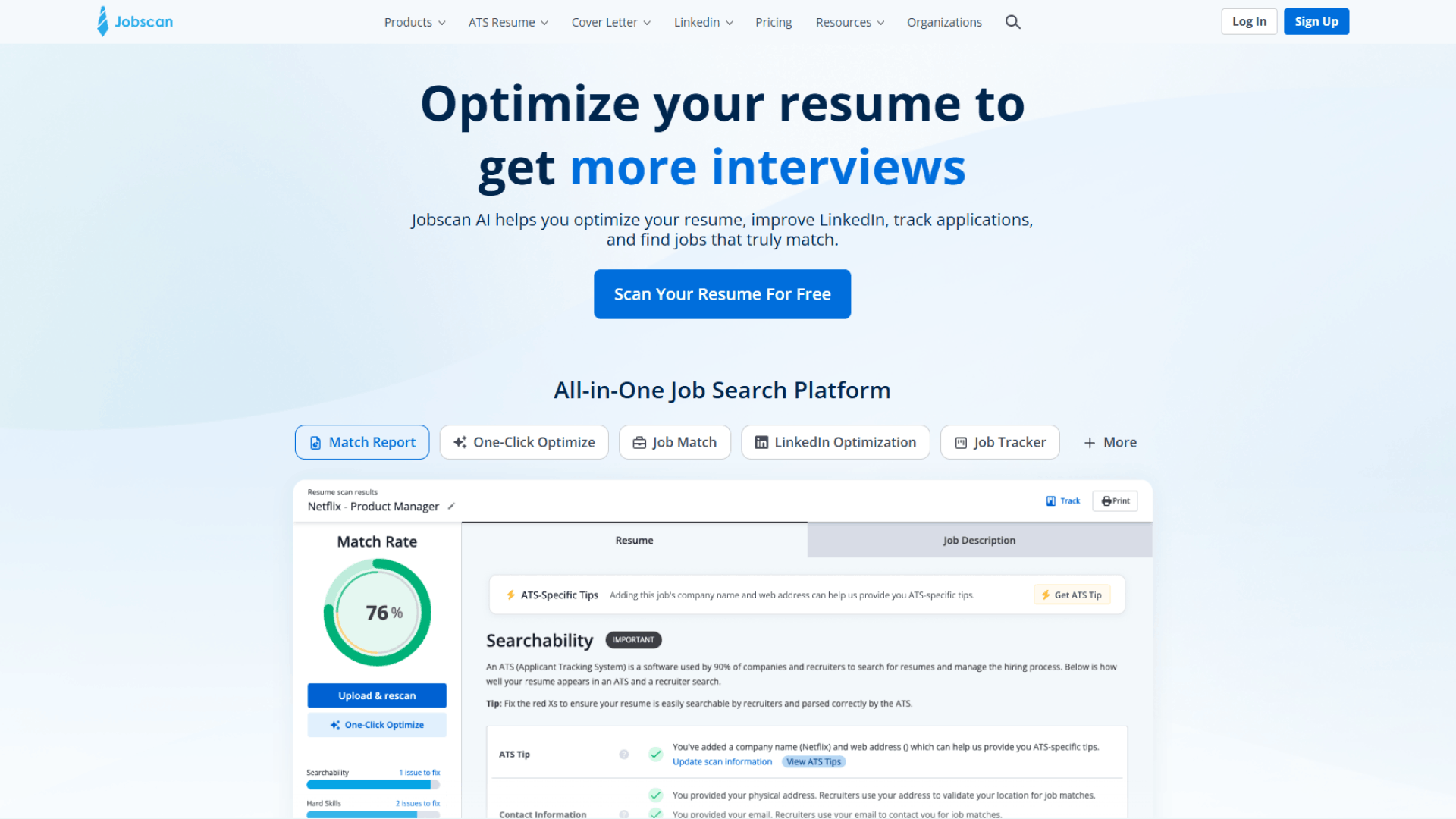
What it is: An ATS analyzer that reads your resume and the job posting, then tells you which keywords are missing and how to improve your match score.
What Works Exceptionally Well
Most rigorous ATS keyword analysis. Jobscan doesn’t just check formatting it analyzes semantic meaning and role-specific keyword importance. It’s the best tool for understanding why your resume might get deprioritized.
Detailed keyword gap reports. You see exactly which keywords are in the job posting, which are in your resume, and which are missing. Then you can strategically add them.
Actionable feedback. It’s not just a score. It tells you what to do about it.
Data-driven approach. No guessing. You know exactly what the job posting emphasizes.
What Falls Short
Doesn’t generate cover letters. Jobscan is an analyzer, not a generator. It tells you what keywords to include, but you have to write/edit the cover letter yourself.
Requires manual effort. You interpret the keyword gaps and apply them to your writing. It’s not “push a button and go.”
Subscription-based. Jobscan costs $60-120/year, which isn’t cheap.
Best used alongside another tool. You’d use Jobscan to analyze what keywords matter, then use Click Hired or ChatGPT to generate a letter that includes them naturally.
Can incentivize keyword stuffing. The match score can tempt you to overload keywords, making your letter sound robotic.
Bottom Line
Verdict: Only use if you care deeply about ATS keyword optimization AND you’re willing to use it alongside another generator. Jobscan’s analysis is the best in the category, but it’s not a complete solution. For most people, Click Hired’s automatic job matching eliminates the need for Jobscan. Use Jobscan only if you’re in a highly competitive field (tech, finance) and you want deep keyword insights.
Not for: People who want a simple, one-tool solution.
#6: Canva — Best for Visual Creativity & Design
What it is: A design platform with cover letter templates. You pick a template, upload your resume for AI to pull from, customize fonts/colors/graphics, and download.
What Works Exceptionally Well
Design flexibility is unmatched. Canva has dozens of professional templates, all customizable. If you want a visually distinctive cover letter, Canva delivers.
Works great for creative fields. Designers, marketers, UX/UI folks, and other creative roles can actually benefit from a more visual presentation.
Template variety is huge. Multiple industries, styles, color schemes. Lots of options.
Familiar interface. Most people already know Canva, so there’s no learning curve.
Beautiful PDFs. Canva exports look professionally designed.
What Falls Short
Can hurt ATS compatibility. Lots of graphics, unusual fonts, and multi-column layouts confuse applicant tracking systems. If the company uses Workday or Taleo, your fancy Canva letter might not parse properly.
Overkill for most jobs. Most hiring managers want a simple, professional letter. Canva templates can feel over-designed for traditional industries (finance, law, corporate).
AI writing isn’t the focus. Canva’s strength is design, not smart job matching or personalization. The copy generation is basic.
Can feel generic. Many people use the same Canva templates, so your letter might not feel unique.
Slower than dedicated generators. Customizing design takes time. Click Hired is 60 seconds; Canva is 5-10 minutes.
Bottom Line
Verdict: Best choice only for creative fields where visual design is expected or valued. If you’re applying to design agencies, marketing companies, or creative roles, Canva shines. For everything else corporate, tech, finance, operations a simple, professional tool is better. And Canva’s AI writing doesn’t match Click Hired’s job matching quality.
Not for: Corporate/traditional industries, or anyone prioritizing speed.
#7: Kickresume — Best for Industry-Specific Phrases & Templates
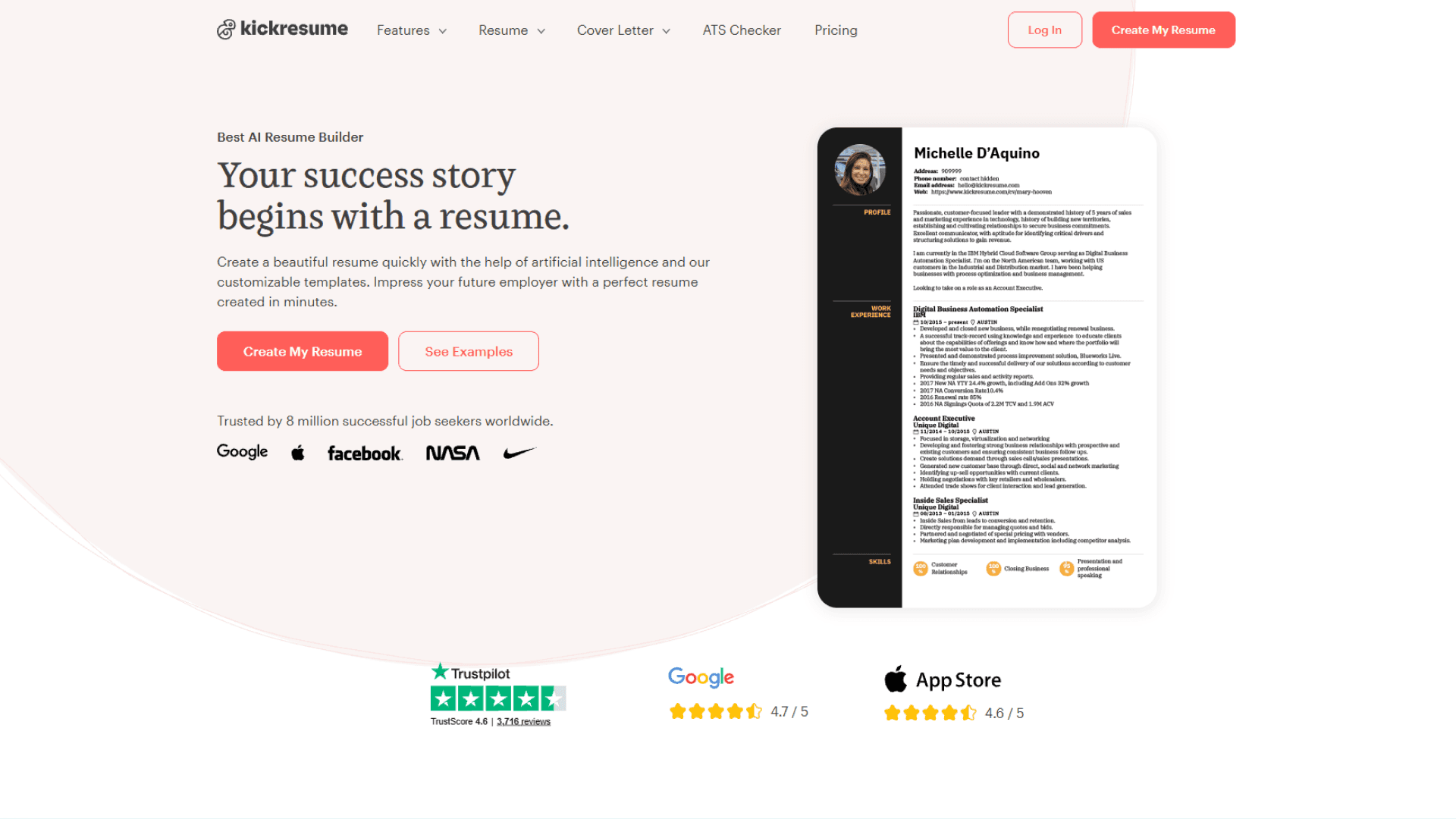
What it is: Primarily a resume builder, but they’ve added a solid cover letter generator. They include a library of pre-written, industry-specific phrases you can drop in.
What Works Exceptionally Well
Industry-specific phrases are helpful. Stuck on how to describe a skill? Kickresume’s library gives you professional alternatives. This is genuinely useful for people who struggle with phrasing.
Reasonable AI tone. Generated copy feels natural, not overly formal or robotic.
Template variety. Dozens of professional designs across industries.
Human proofreading option. For $26, you can get a human to review your letter in 2 days.
Strong brand recognition. Kickresume has 20+ years of history and millions of users.
What Falls Short
Templates are sometimes too flashy. Many include colors, patterns, or graphics that hurt ATS compatibility.
Slower process. Setup, selecting templates, customizing takes 5-10 minutes. Click Hired is 60 seconds.
Expensive. Kickresume’s free version is limited. Most features require $15-50/month.
Not job-description aware. Doesn’t pull from the actual job posting to match keywords.
Requires account signup. More friction than tools that work without accounts.
Bottom Line
Verdict: Best choice if you already like Kickresume for resumes and want phrase suggestions. The industry phrases are genuinely helpful. But it’s slower and more expensive than Click Hired, and the AI doesn’t do automatic job matching. Only use if you’re already a Kickresume customer.
Not for: High-volume applicants or people trying to minimize costs.
#8: ZipJob — Best for Resume + Cover Letter Packages
What it is: A resume builder with a cover letter generator added. The angle: everything matches visually and tonally.
What Works Exceptionally Well
Design consistency. Your resume and cover letter templates match, creating a cohesive application package.
Professional templates. ZipJob’s designs are polished and ATS-friendly.
Resume + cover letter bundled. If you need both, the package makes sense.
Professional service option. Human resume reviews available for an add-on fee.
What Falls Short
Slower setup. Building/importing a resume takes time before you can even get to the cover letter.
Cover letter AI isn’t the focus. ZipJob is a resume platform that added cover letters. Not optimized for cover letter speed or job matching.
Requires account. No way to use without signing up.
Longer process overall. More steps and more friction.
Bottom Line
Verdict: Only if you need a full resume makeover + cover letter package. For speed and pricing, Click Hired wins. For cover letters specifically, dedicated tools are better.
Not for: People who already have a resume and just need cover letters.
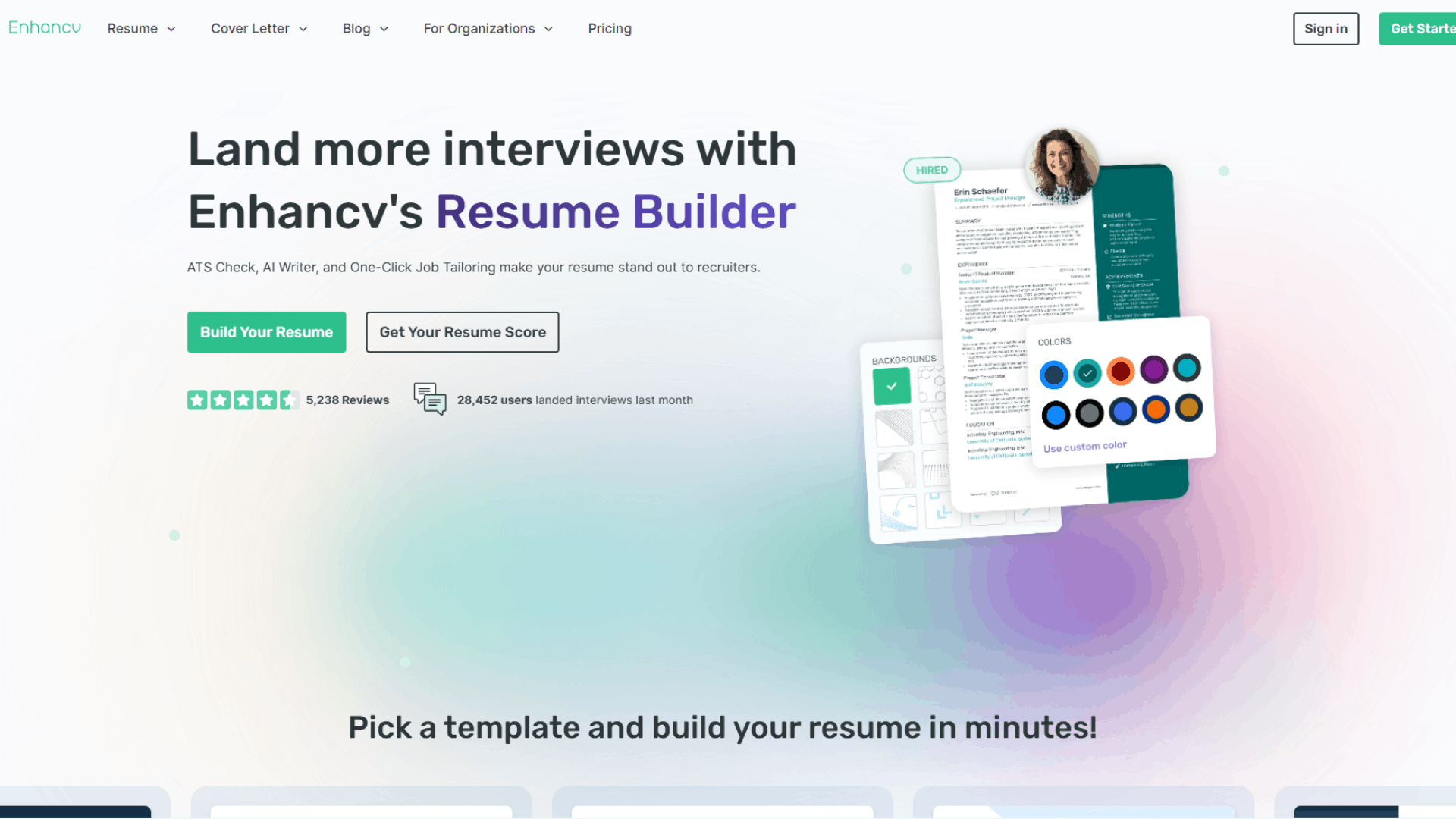
#9: Enhancv — Best for Modern Design & ATS Transparency
What it is: A modern resume builder with an AI cover letter tool. Explicit focus on ATS optimization.
What Works Exceptionally Well
Modern, clean design. Enhancv’s templates are contemporary and visually appealing without being over-the-top.
ATS transparency. Enhancv explicitly tests templates against ATS systems.
Resume-cover letter alignment. Both can match visually and tonally.
Reasonable pricing. $6-10/month bundled, or one-time options.
What Falls Short
Requires setup. Input resume information before generating cover letters.
Slower than dedicated tools. 5-10 minutes total process.
Not job-matching focused. Generates based on your resume, not job description analysis.
Smaller brand. Less recognition than Kickresume or Grammarly.
Speed is sacrificed for polish. More polished than ChatGPT, but slower than Click Hired.
Bottom Line
Not for: High-volume applicants.
Why Click Hired Wins: The Synthesis
After testing 10 platforms with 50+ cover letters, Click Hired wins because it solves the entire cover letter problem in 60 seconds.
Most tools optimize for one thing:
ChatGPT optimizes for flexibility
Grammarly optimizes for grammar polish
Canva optimizes for visual design
Jobscan optimizes for keyword analysis
Click Hired optimizes for the entire workflow: resume-synced data → job description parsing → tailored letter → ATS-safe formatting → submission ready.
Problem | Click Hired’s Solution | How Competitors Fail |
|---|---|---|
Resume data entry | Auto-synced from your profile | ChatGPT, Canva, Grammarly require manual copy-paste |
Job description analysis | Reads the full posting, identifies keywords | Most tools generate generic templates |
Speed | 60 seconds | Competitors: 2-10 minutes |
ATS compatibility | Automatic, built-in | Some tools (Canva, fancy Kickresume templates) risk parsing failures |
Resume-letter consistency | One-click syncing | Most tools have zero integration |
Pricing | 7-day free trial / $6.99/mo or $24.99/mo or $49.99/mo | ChatGPT free but requires work; others $12-50/mo |
Multiple applications | Fast iteration on your master profile | Competitors require re-setup per letter |
If you’re applying to 10+ jobs, Click Hired’s 60-second speed (vs. 5-10 minutes elsewhere) saves you an hour per week. If you’re paying attention to consistency between resume and cover letter, Click Hired’s syncing is unmatched. If you care about budget, Click Hired’s pricing is the best.
Alternative Tool Recommendations (By Use Case)
If you want free and maximally flexible: ChatGPT. Spend more time on prompts, get custom results.
If you already use Grammarly Pro: Add their cover letter feature. You’re already paying, and tone adjustment is useful.
If you want a full job search platform: Teal. Job tracking, application management, resume + cover letter integration.
If you only apply on Indeed: Use Indeed’s built-in tool. Maximum convenience.
If you want keyword optimization insights: Jobscan (as a companion tool alongside Click Hired).
If you’re in a creative field: Canva. Visual design matters in your industry.
If you’re already a Kickresume customer: Use their cover letter feature. Industry phrases help.
If you want visual design + ATS assurance: Enhancv. Modern and transparent.
If you want resume + cover letter packages: ZipJob. Design consistency matters.
If you want to optimize everything at once: Click Hired. Resume synergy + speed + pricing.
Why Resume & Cover Letter Synergy Matters
Here’s what most cover letter tools miss: your resume and cover letter should reinforce each other, not contradict.
Think about what a hiring manager reads:
Resume: “Led a product launch that increased user retention by 25%”
Cover letter: “I have strong organizational skills”
Mismatch. Why would you highlight generic skills when your resume shows concrete achievements?
The best cover letter generators (like Click Hired) pull directly from your resume and say: “You led a product launch that increased retention by 25%. Let’s talk about that in your cover letter, and let’s tie it to what this specific job posting is looking for.”
This creates three advantages:
Consistency. Your cover letter reflects your actual background.
Speed. You don’t retype information.
Relevance. The AI identifies your strongest matches to the job posting.
Most tools ignore this (ChatGPT, Canva, Grammarly). Some do it partially (Teal, Kickresume, ZipJob). Click Hired is built around this principle.
How to Create a Winning AI Cover Letter
Step 1: Pick the Right Tool
High volume applicants (15+ jobs): Click Hired
Free + flexible: ChatGPT
Already on Grammarly Pro: Grammarly’s feature
Full job search platform: Teal
Creative fields: Canva
Keyword optimization: ChatGPT or Click Hired, then verify with Jobscan
Step 2: Prepare Your Materials
Have your resume ready (text or uploaded)
Copy the full job description (not a paraphrase)
Identify 1-2 key strengths relevant to the role
Step 3: Generate & Edit
Does it sound like you? Adjust tone if needed.
Did it catch job-specific keywords? Verify against the posting.
Did it pull your actual accomplishments (not generic filler)?
Is it one page? Yes = good. Two pages = cut it down.
Step 4: Add Personal Touches
Why this company? Add 1-2 genuine sentences.
A specific accomplishment. Tell the story briefly.
Authenticity. Read it out loud. Does it sound like you?
Step 5: Check Formatting
One page (strict)
Standard font (Arial, Calibri, Times New Roman)
No graphics, no colored backgrounds
1-inch margins
Save as PDF
Final Verdict
For most jobseekers: Use Click Hired. Speed, pricing, and resume synergy are unmatched.
For maximum flexibility: ChatGPT.
For grammar and tone: Grammarly Pro.
For full job search platform: Teal.
For creative fields: Canva.
For keyword analysis: Jobscan (companion tool).
The truth is: no cover letter tool matters if you don’t add your own voice to it. AI gets you 70% of the way. You finish the job by adding specific accomplishments, genuine company research, and authentic tone.
Cover letters still matter—they’re your chance to show personality and explain things your resume can’t. But only if you do the work to make them yours.
FAQ
Is it worth using an AI cover letter generator?
Absolutely, if you’re applying to 10+ jobs. You save hours of writing time. For 1-2 applications, you could write by hand, but a generator helps you start strong and focus on personalization instead of blank-page anxiety.
The time savings alone are worth it: 2 minutes generating, 5 minutes editing, done. Versus 30+ minutes from scratch.
Can employers tell if I used an AI cover letter generator?
Yes—if you don’t edit it. Generic phrasing, overly formal tone, and no specific details scream “AI wrote this.”
No—if you add personal touches. Specific accomplishments, genuine company interest, adjusted tone, and they won’t know or care that AI helped. Most people use spell-check, templates, and editing tools anyway.
What’s the best free AI cover letter generator?
ChatGPT. Free, flexible, no sign-up (well, free account). Trade-off: requires good prompts and more editing.
Do employers still read cover letters?
It depends on the field and company.
Creative fields (marketing, design, copywriting): Usually yes.
Fast-paced, high-volume (tech, finance, sales): Many skim or skip, especially for junior roles. A tailored letter can tip scales in competitive situations.
Traditional (law, government, academia): Generally yes, read carefully.
Bottom line: A good cover letter probably won’t get you hired, but a bad one might get you rejected. It’s easy leverage, so it’s worth doing well.
Can I use the same cover letter for multiple jobs?
Not really. Truly tailored letters mention specific things about the job and company. Copy-paste the same letter to 20 jobs, and it’s obvious—and hiring managers will notice.
Use a template as a starting point and customize for each job. That’s what AI tools are for.
What if I don’t have much work experience?
AI tools work best with actual accomplishments. If you’re entry-level, focus on:
Projects you’ve worked on (academic, volunteer, side projects)
Skills developed
Impact you’ve had (even small wins count)
Genuine interest in the company
Feed this into an AI generator and it’ll turn it into something professional.
Ready to Apply?
The best cover letter is one that gets sent. Don’t let perfectionism paralyze you.
Use an AI tool, spend 5 minutes personalizing it, and hit apply.
Start free trial
7-day free trial
Resume + cover letter synced. Generated in 60 seconds. Ready to submit.
Last updated: May 2026

CLICK HIRED · YOUR NEXT MOVE
Turn that job link into a tailored resume and cover letter with Click Hired. Built from your experience. Ready for your review.
7-day free trial